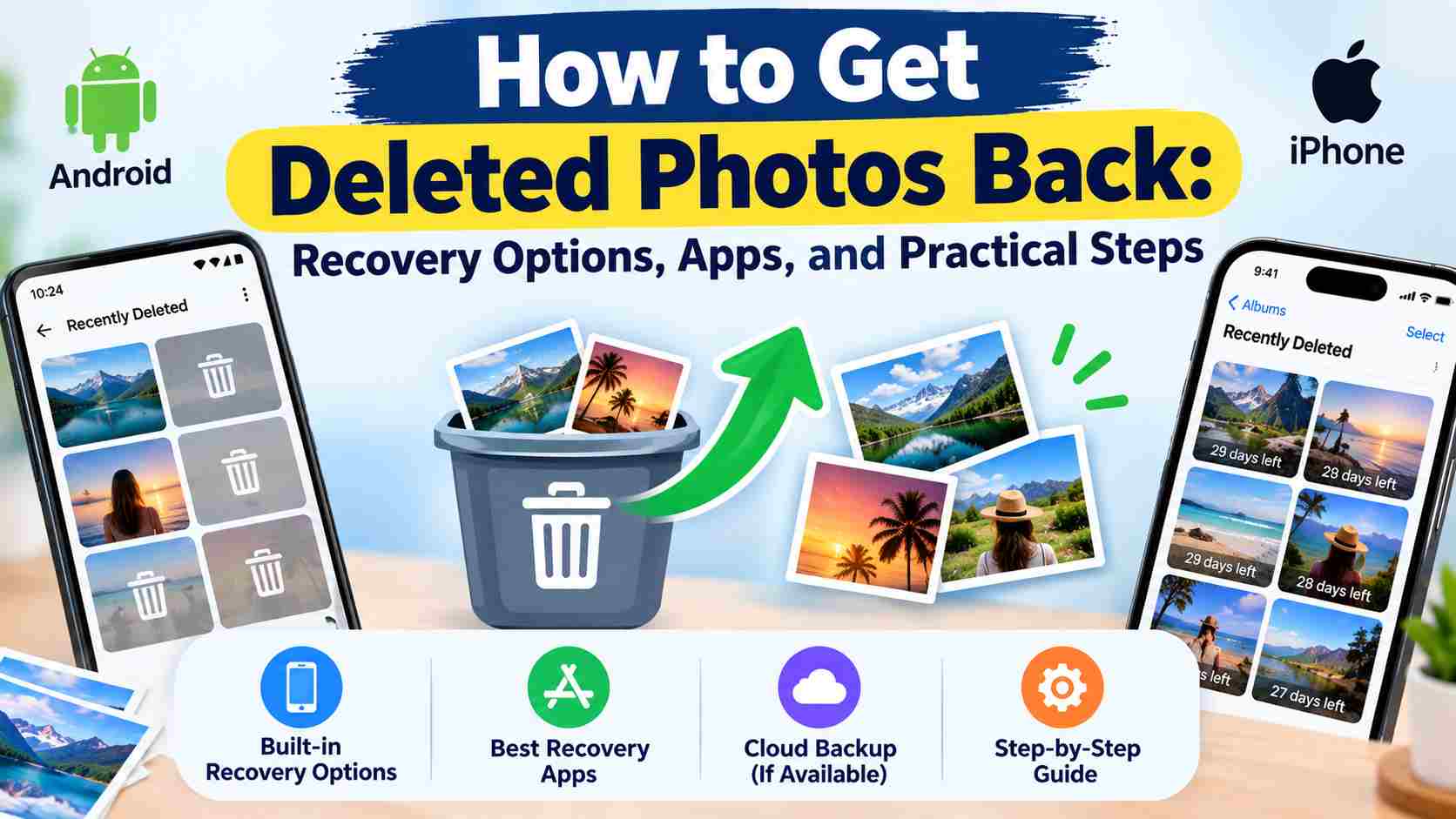
How to Get Deleted Photos Back- Losing important photos by mistake can be frustrating. Sometimes a photo is deleted accidentally, removed from the gallery, or lost after changing phones. The good news is that deleted photos are often kept in a Trash or Recently Deleted folder for some time.
If you cannot find your photos there, you can also check cloud backups, other devices, and photo recovery options. In this guide, we explain how to get deleted photos back on Android and iPhone with simple steps.
Check the Recently Deleted or Trash Folder First
The first thing you should do after deleting a photo is check the Trash or Recently Deleted folder. This is the easiest way to restore a deleted picture.
Depending on your phone, this folder may be called Trash, Bin, Recently Deleted, or Recycle Bin.
If you find your photo there, select it and tap Restore. The photo should return to your normal photo gallery.
How to Recover Deleted Photos on Android
Android phones use different gallery apps depending on the phone brand. The steps may be slightly different, but most phones provide a deleted photos or Trash option.
Step 1: Check Your Gallery App
- Open the Gallery app on your Android phone.
- Open the menu or Albums section.
- Look for Trash, Bin, or Recently Deleted.
- Find the photo you want to recover.
- Select the photo.
- Tap Restore.
After restoring the picture, check your gallery again.
Step 2: Check Google Photos
If you use Google Photos, open the app and check the Trash folder. Your deleted photo may still be available there.
You should also check that you are using the correct Google account. If you have more than one account on your phone, your photos may have been backed up to a different account.
How to Recover Deleted Photos on iPhone
iPhone has a Recently Deleted section inside the Photos app. This should be the first place you check when a photo has been deleted.
- Open the Photos app.
- Go to the Albums or Photos section.
- Open Recently Deleted.
- Unlock the folder if your iPhone asks for Face ID, Touch ID, or a passcode.
- Select the deleted photo.
- Tap Recover.
The recovered photo will be moved back to your photo library.
Check iCloud for Deleted Photos
If you use iCloud Photos, your pictures may be available through your Apple Account. Make sure you are signed in to the correct account.
You can also check your other Apple devices, such as an iPad or Mac, if they use the same Apple Account and photo syncing settings.
Check Your Cloud Backup
Cloud backup can be very useful when a photo is no longer available on your phone. Depending on the device and apps you use, your photos may have been saved to a cloud account.
Check services such as:
- Google Photos
- iCloud Photos
- OneDrive
- Dropbox
- Other cloud storage services you use
Search the cloud account by date, album, or file name if you remember it.
Check Other Devices
Sometimes the photo is deleted from one device but a copy is still available somewhere else. Check your old phone, tablet, laptop, desktop computer, USB drive, or external hard drive.
You should also check messaging and social media apps if you previously shared the picture with someone.
Can Photo Recovery Apps Recover Deleted Photos?
There are many photo recovery apps available for Android and other devices. However, you should be careful before installing or paying for a recovery app.
A recovery app cannot guarantee that every permanently deleted photo will be recovered. The result depends on how the photo was deleted, where it was stored, whether a backup exists, and whether the storage has been used again.
Before using any recovery app, check the phone’s built-in Trash or Recently Deleted folder and your cloud backups first.
Things to Check Before Using a Recovery App
- Check the app’s developer and reviews.
- Read what permissions the app requests.
- Check whether the app requires payment.
- Do not give unnecessary access to your personal data.
- Do not trust apps that promise guaranteed recovery of every deleted photo.
What to Do After Accidentally Deleting Photos
If you have just deleted an important photo, avoid filling your phone with new files until you check all recovery options.
You should avoid downloading large files, recording many new videos, or taking hundreds of new photos. New data may overwrite old storage space in some situations, which can make recovery more difficult.
Recover Photos from a Computer Backup
If you have previously copied your phone photos to a computer, check the folders where you normally store your pictures.
Also check:
- Desktop folders
- Pictures folder
- Downloads folder
- External hard drives
- USB drives
- Old phone backup folders
You may find another copy of the deleted photo even when it is no longer available on your phone.
Can Permanently Deleted Photos Be Recovered?
Sometimes, but there is no guarantee. If a photo has been permanently removed from the Trash or Recently Deleted folder and there is no backup, recovery becomes much harder.
Modern phones also use storage systems that can make recovery of permanently deleted files difficult. For this reason, checking backups as soon as possible is important.
Do Not Factory Reset Your Phone
If you are trying to recover deleted photos, do not factory reset your phone before checking your backups. A factory reset removes data from the device and will not bring deleted photos back.
Best Ways to Protect Your Photos
The easiest way to avoid losing important pictures is to keep a backup. You can use a trusted cloud photo service and also keep important photos on a computer or external storage.
- Turn on automatic photo backup.
- Check that new photos are actually being backed up.
- Keep important pictures in more than one place.
- Check your cloud account regularly.
- Keep your phone and photo apps updated.
- Do not delete important photos without checking them first.
Photo Recovery Options at a Glance
| Recovery Option | What to Check | Chance of Recovery |
|---|---|---|
| Recently Deleted | Phone Gallery or Photos app | Good if the photo is still there |
| Trash or Bin | Android Gallery or Google Photos | Good if not permanently deleted |
| Cloud Backup | Google Photos, iCloud, OneDrive, etc. | Possible if backup was enabled |
| Other Devices | Old phone, tablet, computer | Possible if another copy exists |
| Recovery Apps | Trusted recovery tools | Depends on the device and storage |
| Permanent Deletion | No Trash or backup available | Recovery can be difficult |
Frequently Asked Questions
Can I get permanently deleted photos back?
It may be possible if you have a backup or another copy of the photo. Without a backup, permanently deleted photos can be difficult to recover.
Where can I find deleted photos on Android?
Check your Gallery app’s Trash, Bin, or Recently Deleted folder. You should also check Google Photos if you use it for photo backup.
Where can I find deleted photos on iPhone?
Open the Photos app and check the Recently Deleted section. If the photo is still available, you can select it and use the Recover option.
Are photo recovery apps safe?
Not every recovery app is the same. Before installing one, check the developer, reviews, permissions, privacy information, and payment details. Avoid apps that make unrealistic recovery promises.
Should I stop using my phone after deleting a photo?
If the photo is important and you are considering recovery options, it is better to avoid unnecessary downloads, large files, and new recordings until you have checked your Trash and backups.