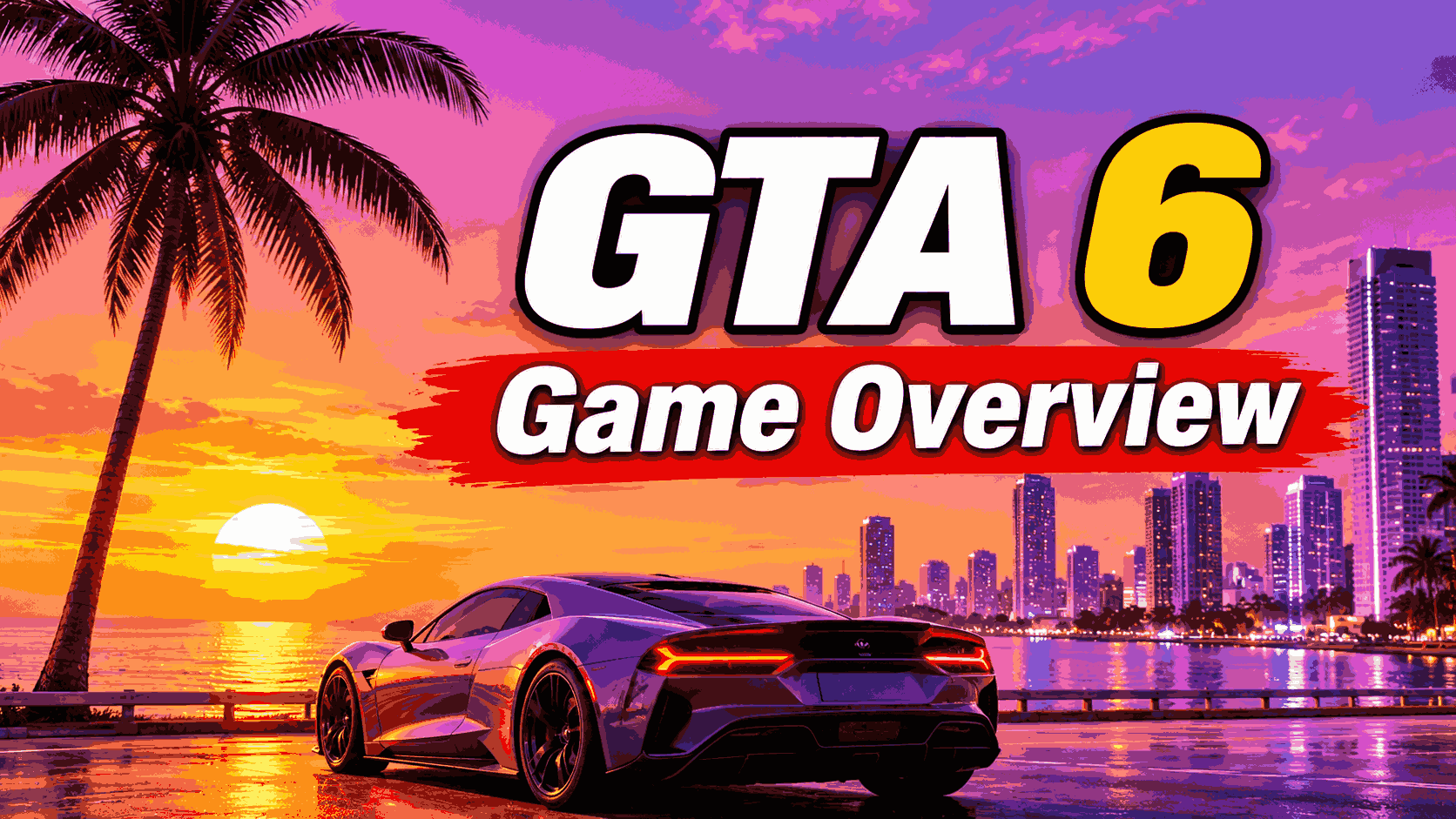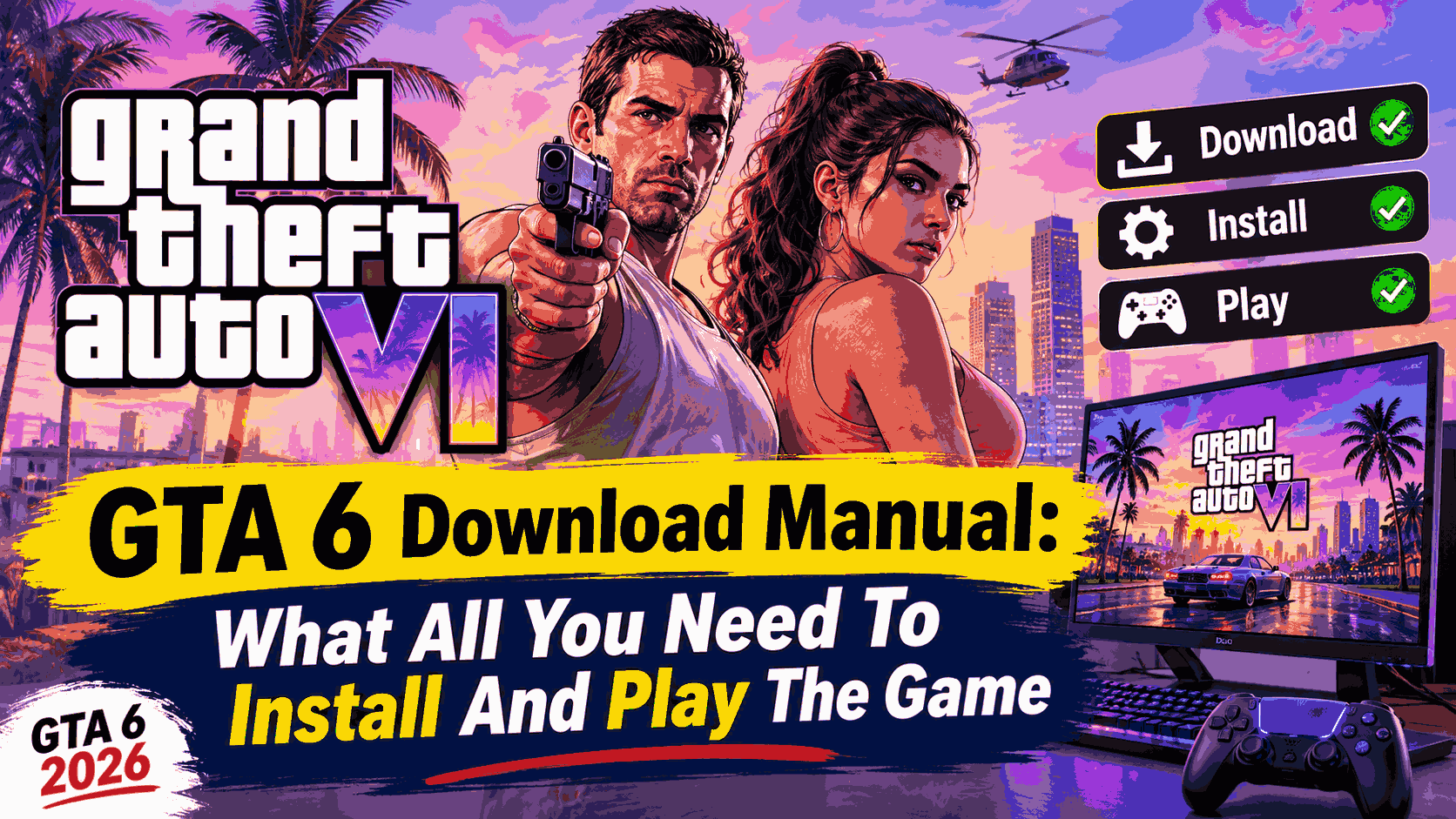
GTA 6 Download Manual: Grand Theft Auto VI is finally here! Many players are waiting to play this new game. If you also want to download and install GTA 6, this guide will help you. Here, you can learn which devices support the game, how much storage you need, and how to download GTA 6 step by step. Grand Theft Auto VI comes with two main characters, Jason and Lucia. The game has a big open world, new places, cars, missions, and many more things to explore. Before downloading the game, make sure your console has enough free space and a good internet connection.
GTA 6 Download and Installation – Overview
| Details | Information |
|---|---|
| Game Name | Grand Theft Auto VI (GTA 6) |
| Developer | Rockstar Games |
| Publisher | Rockstar Games |
| Release Date | 19 November 2026 |
| Available Platforms | PlayStation 5, Xbox Series X|S |
| Storage Required | Up to 212 GB |
| Game Type | Open World Action-Adventure |
| Download Mode | Digital Download |
| Official Website | Visit Rockstar Games |
What Do You Need Before Downloading GTA 6?
Before you download GTA 6, check a few things on your console. The game needs a lot of space, so it is better to get your device ready first.
- Supported Console: You need a PlayStation 5 or Xbox Series X|S to play GTA 6.
- Free Storage: Keep up to 212 GB of free space on your console.
- Internet Connection: You need a good internet connection to download the game.
- Platform Account: You need a PlayStation Network or Xbox account.
- Game Purchase: Buy the game from the official PlayStation Store, Microsoft Store, or an approved seller.
- Latest System Update: Update your console before installing the game.
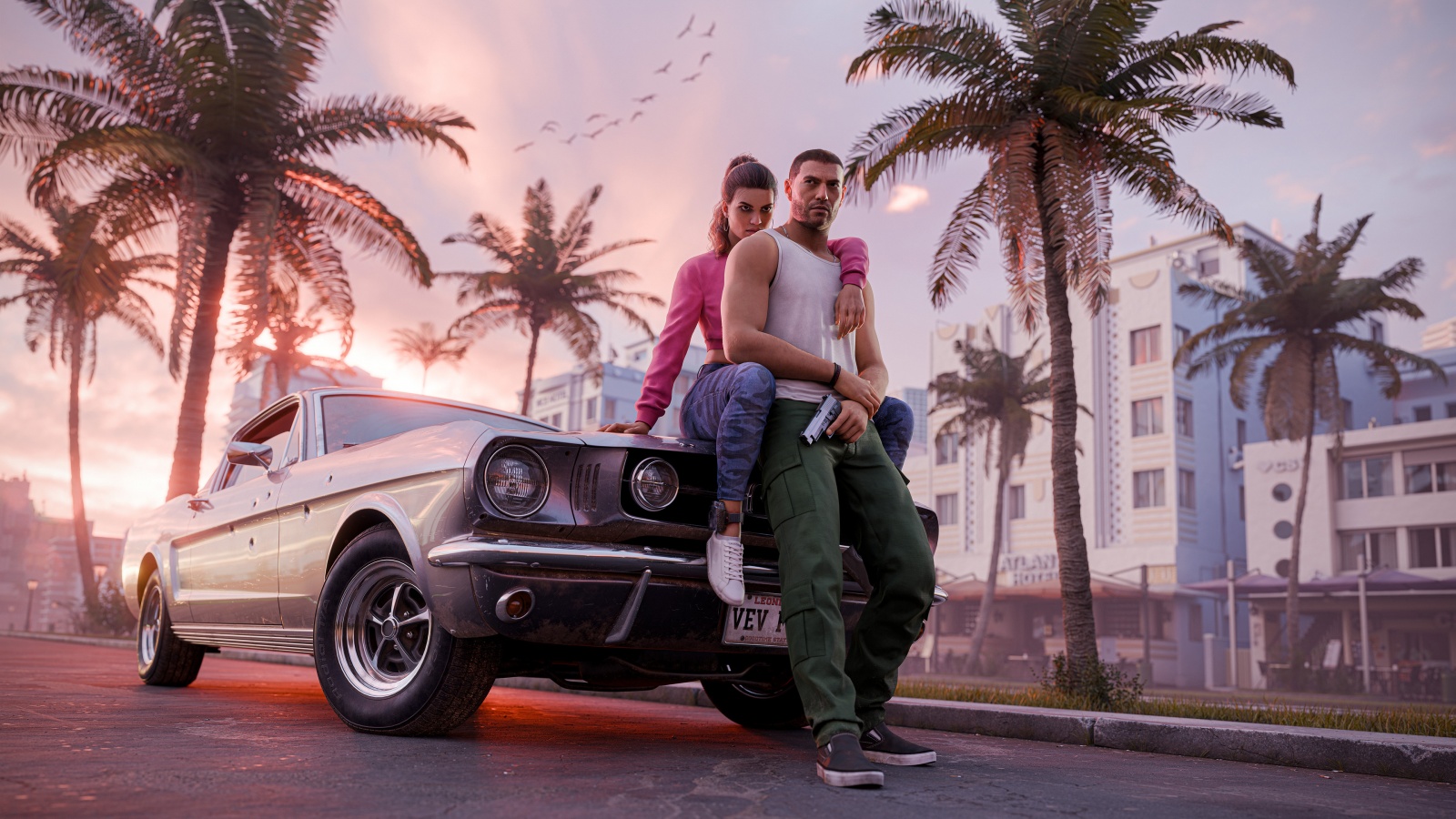
GTA 6 Official Game Images
GTA 6 takes players to a new world with beautiful places, busy roads, cars, and many new activities. Take a look at these Grand Theft Auto VI images.

How to Download GTA 6 on PlayStation 5
If you have a PS5, you can download GTA 6 from the PlayStation Store. Follow these simple steps to install the game.
- Turn on your PlayStation 5.
- Connect your console to the internet.
- Open the PlayStation Store.
- Search for Grand Theft Auto VI or GTA 6.
- Open the official GTA 6 game page.
- Choose the game version you want to buy.
- Complete the payment.
- After buying the game, click on Download.
- Wait for the download and installation to finish.
- Now open the game and start playing.
Before you start downloading, check the free space on your PS5. If there is not enough space, remove old games or files that you no longer use.
How to Download GTA 6 on Xbox Series X|S
Xbox players can also download GTA 6 from the Microsoft Store. Just follow the steps given below.
- Turn on your Xbox Series X or Series S.
- Connect your Xbox to the internet.
- Open the Microsoft Store.
- Search for Grand Theft Auto VI.
- Open the official GTA 6 game page.
- Choose the game version you want.
- Buy the game using your Microsoft account.
- Click on Install or Download.
- Wait until the game is fully downloaded.
- Open GTA 6 from your Xbox game library.
Can You Download GTA 6 on PC?
- Many players want to play GTA 6 on their Windows PC or laptop. This is one of the most common questions among GTA fans.
- Rockstar Games has officially listed PlayStation 5 and Xbox Series X|S as supported platforms. A PC version and its system requirements have not been announced on the official game page as of this article’s update.
- So, do not download any file that claims to be a GTA 6 PC setup or installer from an unknown website. These files may be fake and can harm your computer.
- If Rockstar Games releases a PC version in the future, you should check its official website for download details and PC requirements.
How Much Storage Space Is Required for GTA 6?
Before installing GTA 6, you should check how much free space is available on your console. According to Rockstar Games Support, the game needs up to 212 GB of free space, depending on your device.
| Requirement | Details |
|---|---|
| Free Storage | Up to 212 GB |
| Internet | Good Internet Connection Recommended |
| Device | PS5 / Xbox Series X|S |
| Game Installation | Digital Download |
GTA 6 Download and Installation Problems
- Sometimes, you may face problems while downloading or installing a big game like GTA 6. If your download is not working properly, try these easy solutions.
1. Check Your Internet Connection
- First, check if your internet is working properly. If the download speed is too slow, restart your Wi-Fi router and try again.
2. Free Up Storage Space
- Check how much free space is left on your console. If there is not enough space, delete old games or files that you do not need.
3. Restart Your Console
- Turn off your PlayStation or Xbox and start it again. This may fix small download or installation problems.
4. Check for System Updates
- Check if a new system update is available for your console. Install the update and then try downloading GTA 6 again.
5. Download from the Official Store
- Always download GTA 6 from the PlayStation Store or Microsoft Store. Do not use unknown websites that offer free GTA 6 setup files.
Important Things to Remember Before Installing GTA 6
Keep these points in mind before downloading the game.
- Download GTA 6 only from official stores.
- Do not trust unknown websites offering free PC setup files.
- Keep enough free space on your console.
- Use a good internet connection.
- Check the game version before buying.
- Check your account region before using a digital game code.
Frequently Asked Questions (FAQs)
Q1. Is GTA 6 available for download?
- Yes. GTA 6 was officially released on 19 November 2026. It is available for PlayStation 5 and Xbox Series X|S.
Q2. How much space is needed to install GTA 6?
- GTA 6 needs up to 212 GB of free storage space, depending on your device.
Q3. Can I download GTA 6 on my PC or laptop?
- Rockstar Games has not officially announced a PC version as of this article’s update. The officially listed platforms are PS5 and Xbox Series X|S.
Q4. Can I download GTA 6 for free?
- No. GTA 6 is a paid game. You need to buy it from an official store or an approved seller. Avoid websites that offer free and unofficial game files.
Q5. Where can I download GTA 6 officially?
- You can get GTA 6 from the PlayStation Store, Microsoft Store, and the official Rockstar Games website.
Q6. Is GTA 6 available for Android?
- No official Android version of GTA 6 has been announced. Do not download APK files that claim to be the official GTA 6 mobile game.
Final Words
- Downloading and installing GTA 6 is easy if you have a supported console, enough free space, and a good internet connection. You can buy the game from the official PlayStation or Xbox store and follow the steps given in this guide.
- Before downloading the game, always visit the official Rockstar Games website to check the latest updates. This will help you stay away from fake download links and other problems.
Important Links
| Information | Official Link |
|---|---|
| GTA 6 Official Website | Click Here |
| GTA 6 Purchase Page | Click Here |
| GTA 6 Installation Requirements | Click Here |
| Rockstar Games Support | Click Here |
| GTA 6 Official Screenshots | Click Here |