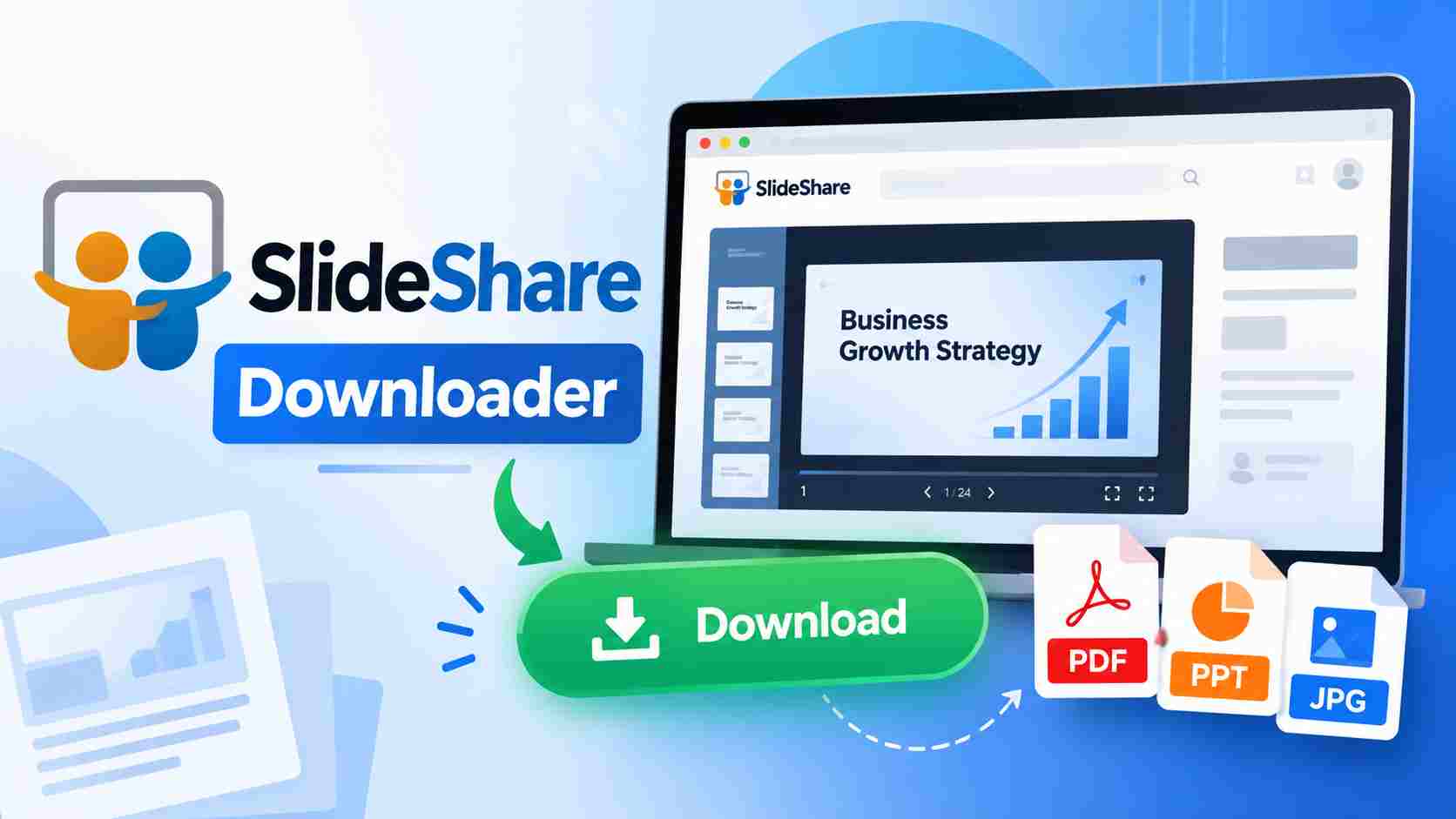
SlideShare Downloader:- If you have ever searched for study notes, business presentations, project reports, or educational slides online, you may have come across SlideShare. It contains presentations shared by students, teachers, professionals, and other users. Sometimes, you may want to save a presentation to read later or use it for your studies. A SlideShare Downloader is a tool or online service that may help users save supported SlideShare content to their devices. However, not every presentation can be downloaded through an external tool. The available options depend on the presentation, its permissions, and the service you are using. In this article, we will explain what a SlideShare Downloader is, how it works, how to download presentations safely, and what you should know before saving or sharing any content.
What Is SlideShare Downloader?
SlideShare Downloader refers to an online tool or service designed to help users download presentations from SlideShare. Depending on the tool, it may support formats such as PDF or other document formats. People often look for these tools when they want to keep educational notes, business slides, training materials, or other useful presentations for offline reading. However, downloading options can vary. The safest choice is to use SlideShare’s own download option whenever it is available.
What Is SlideShare?
SlideShare is an online platform where people share presentations and other types of learning or professional content. You can find material on education, technology, business, marketing, science, and many other topics.
For example, a student may find a presentation about computer fundamentals, while a business professional may use SlideShare to explore marketing ideas or presentation examples.
You can visit the official website here: Visit Official SlideShare Website
Why Do People Use SlideShare Downloader?
There are several reasons why people search for a SlideShare Downloader. Some users need study material for exam preparation, while others want to keep useful presentations for work or personal learning.
- Study Material: Students can find presentations related to their subjects and topics.
- Offline Reading: Supported files can be saved and read without an internet connection.
- Project Work: Presentations can help users understand a topic before preparing their own projects.
- Office Work: Professionals may use presentations to learn about business, management, or technology.
- Quick Access: Saving an available file makes it easier to find and read it again later.
How to Download a SlideShare Presentation
If you want to download a presentation from SlideShare, follow these simple steps. The exact options may differ depending on the presentation and the current website interface.
- Open the official SlideShare website.
- Search for the presentation you want to read.
- Open the presentation and check whether a download option is available.
- If downloading is allowed, click the available download option.
- Select the file format if the website provides a choice.
- Save the file to your device and open it to read the content.
If you cannot find a download option, the presentation may not be available for direct downloading. In that case, check the author’s page or look for a link to an official copy.
How to Use a SlideShare Downloader Online
Some third-party websites claim to download SlideShare presentations through a presentation link. If you decide to use such a service, be careful and follow these steps only when the content is permitted to be downloaded.
- Open the presentation you want to save.
- Copy its web address from your browser.
- Visit a downloader service that you trust.
- Paste the presentation link into the provided box.
- Check the available download options.
- If the service supports the presentation and you have permission to save it, follow its instructions to download the file.
Important: Third-party downloaders may not work with every presentation. Avoid websites that ask you to install unknown software, provide your SlideShare password, or complete suspicious verification steps.
SlideShare Downloader for Mobile and PC
You can access SlideShare using a web browser on a mobile phone, tablet, or computer. The process of finding a presentation is similar across devices, although the layout may look different.
| Device | How to Access | Useful For |
|---|---|---|
| Android Phone | Open SlideShare in your mobile browser | Reading presentations while travelling |
| iPhone | Use a supported mobile browser | Viewing educational and professional slides |
| Windows PC | Open SlideShare in a desktop browser | Studying and working with presentations |
| Laptop | Visit the website using your preferred browser | Reading and reviewing documents on a larger screen |
Can You Download SlideShare Presentations as PDF?
- Some SlideShare presentations are available to download as PDF files. A PDF is useful because it can be opened on most phones and computers without needing presentation editing software.
- If a PDF download option is available, use it to save the presentation. If it is not available, check whether the author has shared a downloadable PDF or another official version.
- Be careful with websites that promise to convert every presentation into a PDF. Such services may fail, show misleading download buttons, or expose you to unwanted advertisements.
Is SlideShare Downloader Free?
- Some online downloader services advertise free downloads, but their features and limitations can vary. Some may show advertisements, restrict the number of downloads, or ask users to sign up.
- SlideShare’s own download options may also vary depending on the content and the current platform features. Always check the available options before using another website.
- You should not assume that every presentation can be downloaded for free simply because it can be viewed online.
Is It Safe to Use a SlideShare Downloader?
The safety of a SlideShare Downloader depends on the website and the way it handles your data. Unknown websites can contain misleading advertisements, unwanted downloads, or links to unsafe files.
Keep these safety tips in mind:
- Use the official SlideShare website whenever possible.
- Avoid downloading unknown programs or browser extensions.
- Never share your account password with a downloader website.
- Do not click suspicious download buttons or pop-up advertisements.
- Scan downloaded files if you are unsure about their safety.
- Do not upload private or confidential documents to an unknown service.
Is It Legal to Download SlideShare Presentations?
Whether you can legally download a presentation depends on its copyright, the permission given by the author, and the applicable terms and laws.
A presentation being publicly available does not automatically mean that anyone can download, copy, or redistribute it. If the author provides a download option, follow the stated conditions. For content without a download option, seek permission or find an authorized copy.
If you plan to use a presentation for a school project, office work, website, or social media post, give proper credit where required and check the applicable license. Do not republish someone else’s work without permission.
Advantages of SlideShare Downloader
- It may help save supported presentations for later reading.
- Downloaded files can be useful when an internet connection is unavailable.
- It can make study and reference material easier to organize.
- Some services offer different file format options.
- It may save time when a presentation has an authorized download option.
Limitations of SlideShare Downloader
- Some presentations do not have a download option.
- Third-party tools may stop working or fail to process a link.
- Some websites may display excessive advertisements.
- Available file formats may differ from one presentation to another.
- Copyright restrictions may prevent downloading or sharing certain content.
Best Alternative to SlideShare Downloader
If you cannot download a presentation, there are a few simple alternatives you can try.
- Official Download Option: Check the presentation page for a download button.
- Author’s Website: Visit the author’s website or profile to see whether the same document is available there.
- Contact the Author: Ask the creator for permission or a downloadable copy.
- Save the Link: Bookmark the presentation so you can find it easily later.
- Take Your Own Notes: Write down important points for personal study instead of copying or redistributing the complete presentation.
Frequently Asked Questions (FAQs)
1. What is a SlideShare Downloader?
- A SlideShare Downloader is a tool or service that may help users save supported presentations from SlideShare. Download availability depends on the content and the service.
2. Can I share a downloaded SlideShare presentation?
- You should check the author’s permission and the content’s license before sharing a downloaded presentation. Downloading a file does not automatically give you permission to redistribute it.
3. Why is my SlideShare Downloader not working?
- The presentation may not support downloading, the service may be temporarily unavailable, or the website may have changed. Try the official download option or contact the author.
4. Can I download SlideShare files in PDF format?
- Some presentations offer a PDF download option. If PDF is not available, check whether the author has shared an authorized PDF copy elsewhere.
5. Is SlideShare Downloader free to use?
- Some third-party services advertise free downloads, but their features and limitations vary. Always check the service carefully before using it.
6. Can I download SlideShare presentations on my mobile phone?
- Yes, you can browse SlideShare on a supported mobile browser. Whether you can download a presentation depends on the available download options.
7. Is it safe to use an online SlideShare Downloader?
- Not every third-party service is safe. Avoid suspicious websites, unknown software, and services that request your account password.
8. How can I download a SlideShare presentation?
- Open the presentation on the official website and check whether a download option is available. If it is, follow the instructions to save the file.